Table trouble
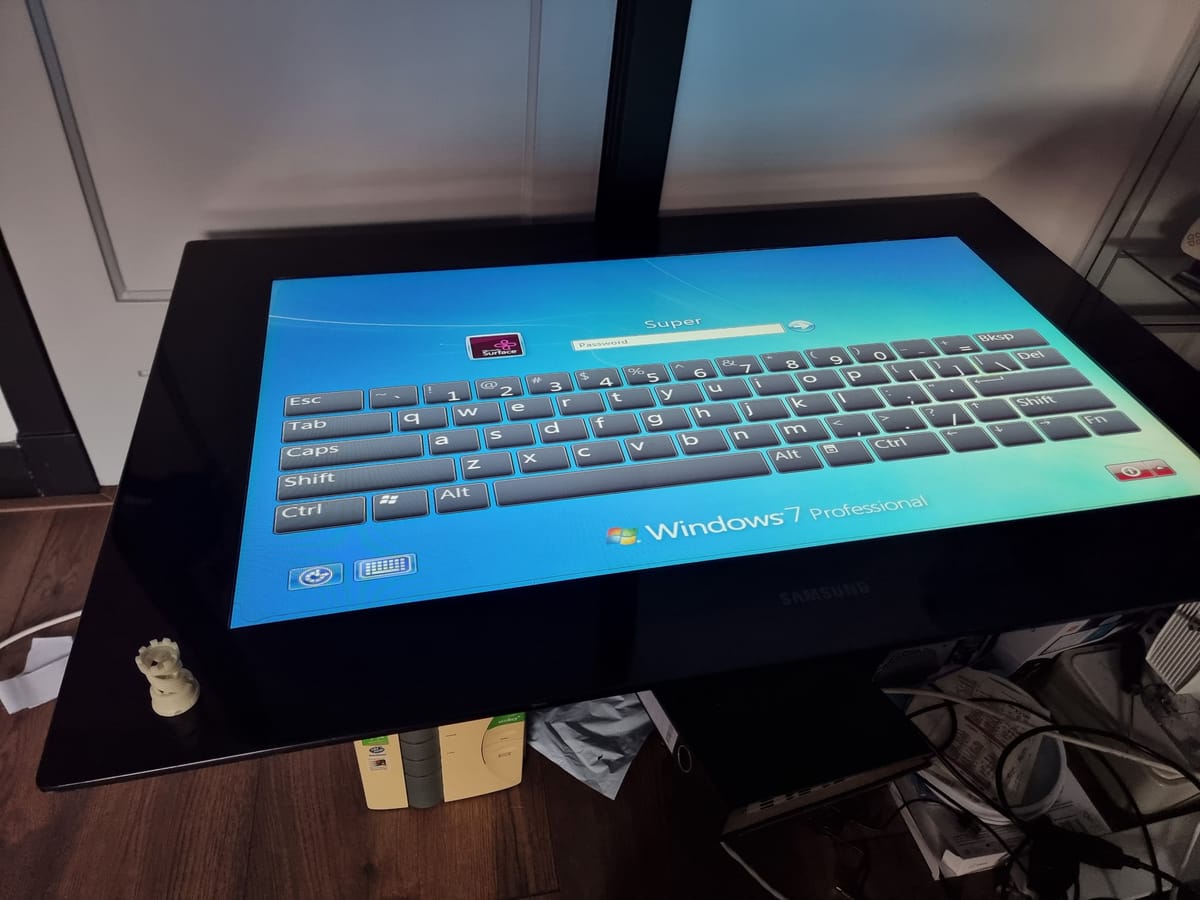
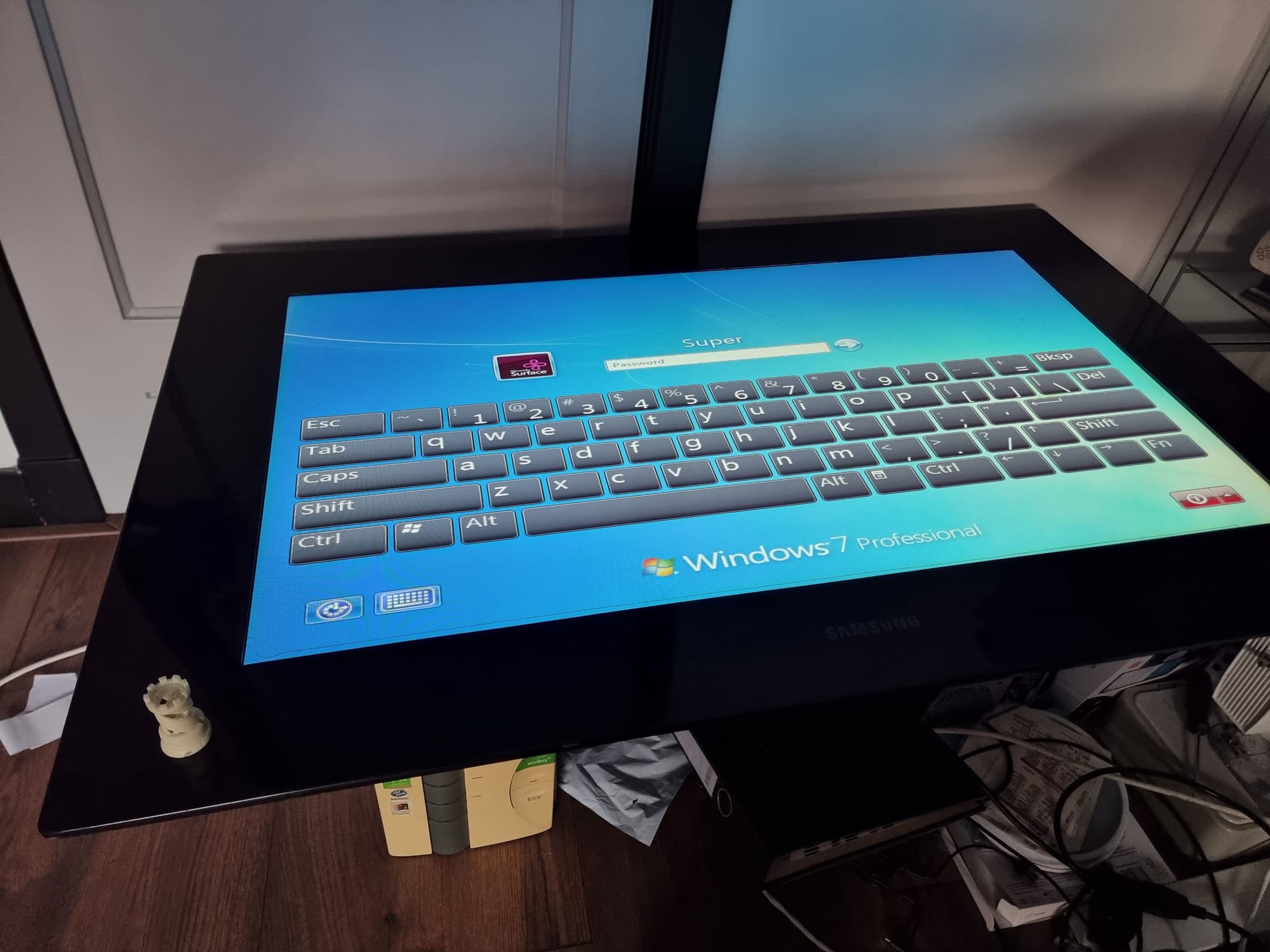
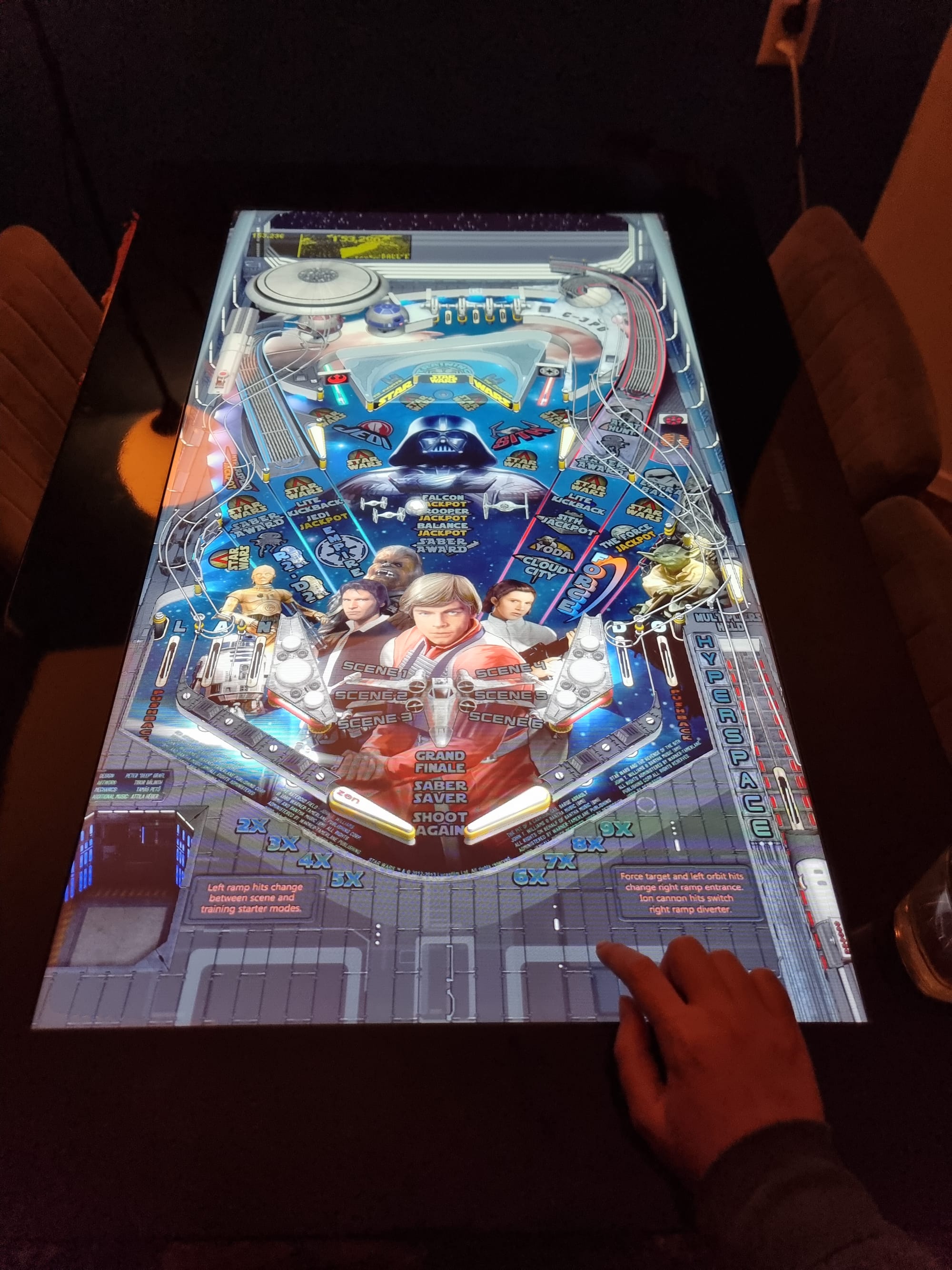
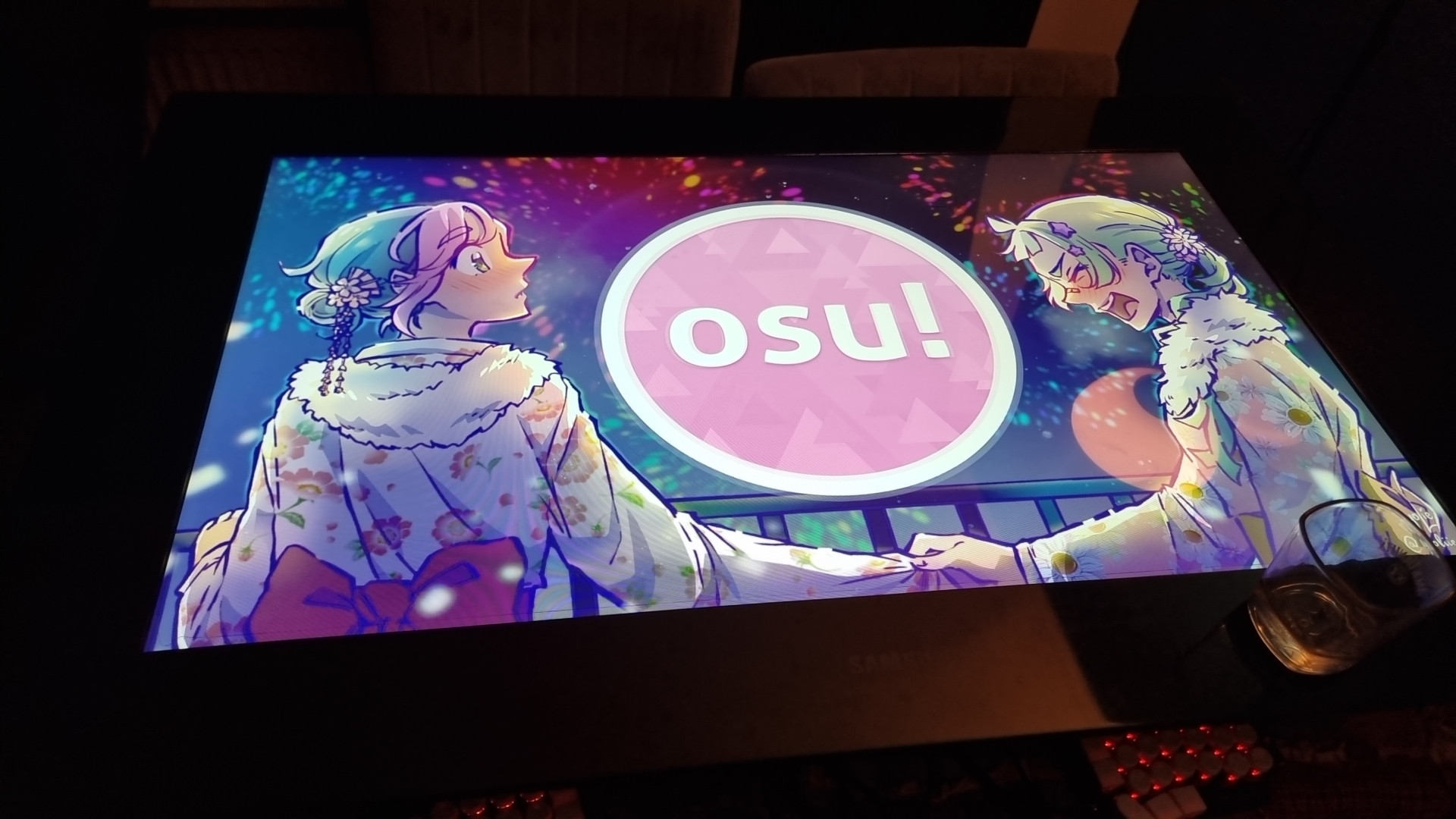
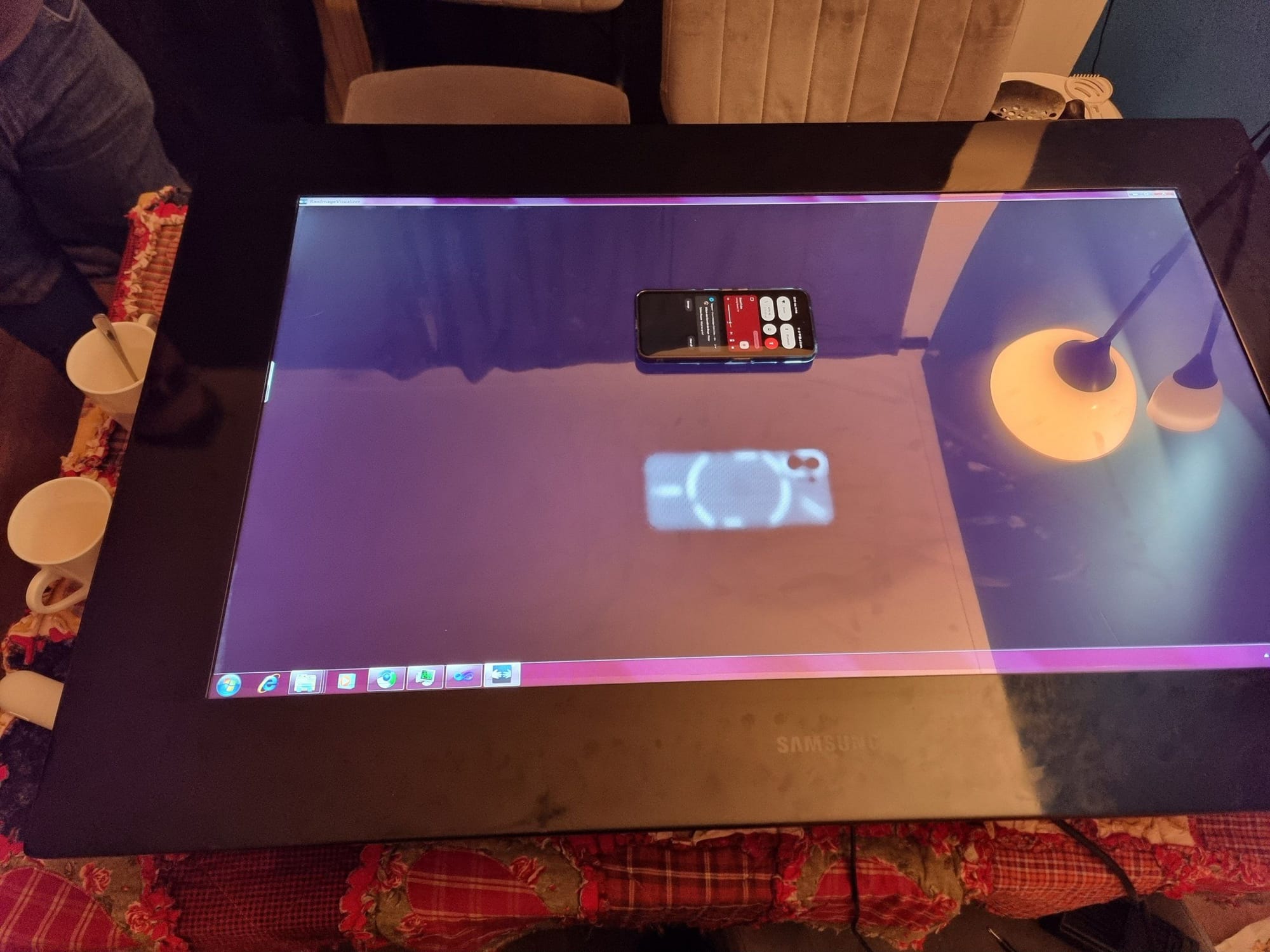
I bought a table, and a monitor. Not a seperate table and a monitor, a table AND a monitor, in one. It's called a Microsoft Surface, or Microsoft PixelSense, or Samsung SUR40, depending on who or when you ask. Released in 2012, The product has changed names a few times, but it never really sold from what I can find. But without further await, here it is:
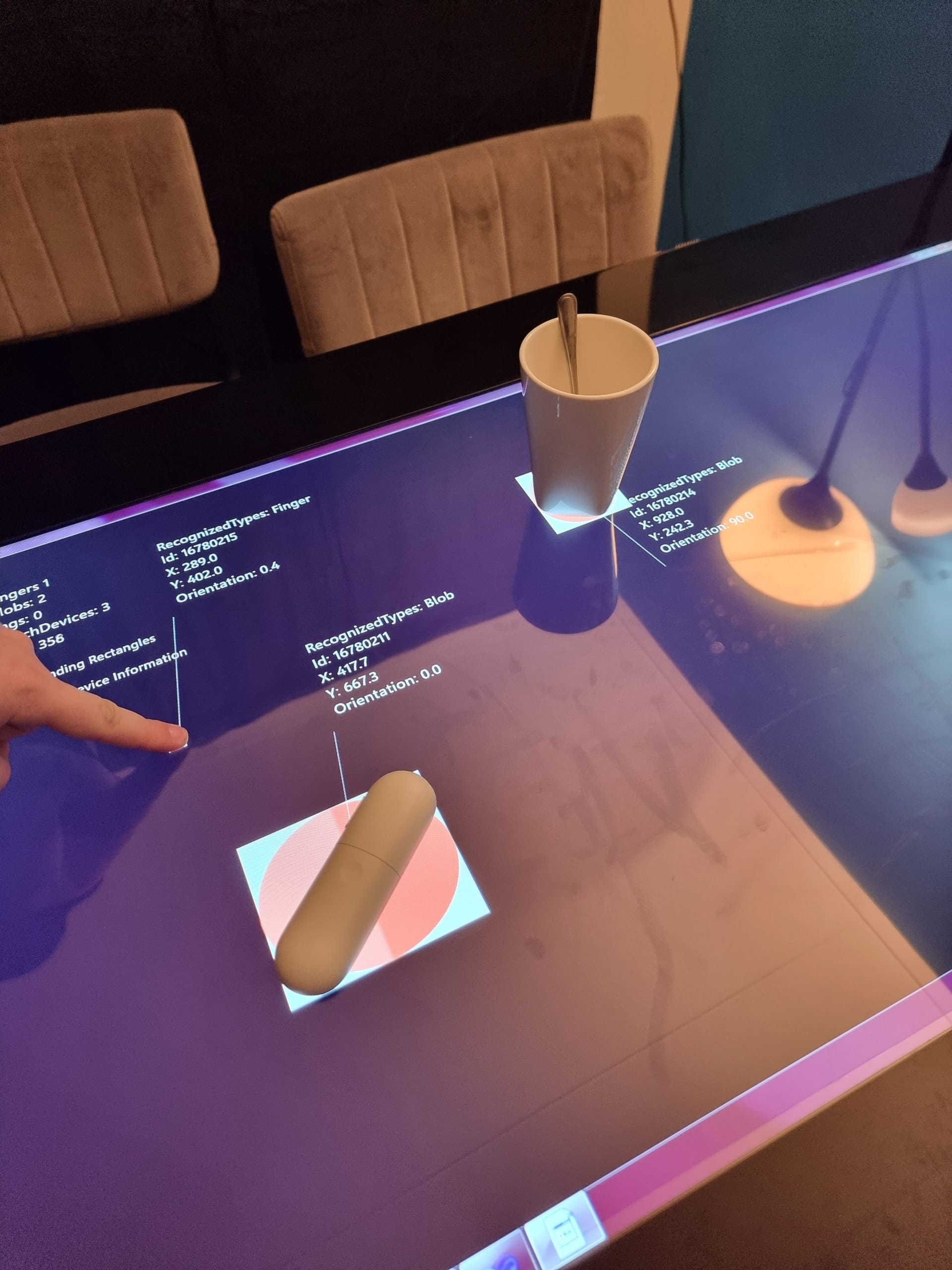
The internals of it are quite suprising, We're looking at a 40inch monitor with integrated 52-point touchscreen, the most I've ever found personally. The unique feature being that the screen also works as a "flatbed scanner", being able to 'see' what's on top or slightly above it. This gives some unique opportunities
I was planning to use this table as pretty much the perfect way to play Dungeons and Dragons' Foundry MaterialPlane. The table can track unique codes on top and above the table, giving me way higher accuracy then infrared or purely touchscreen.
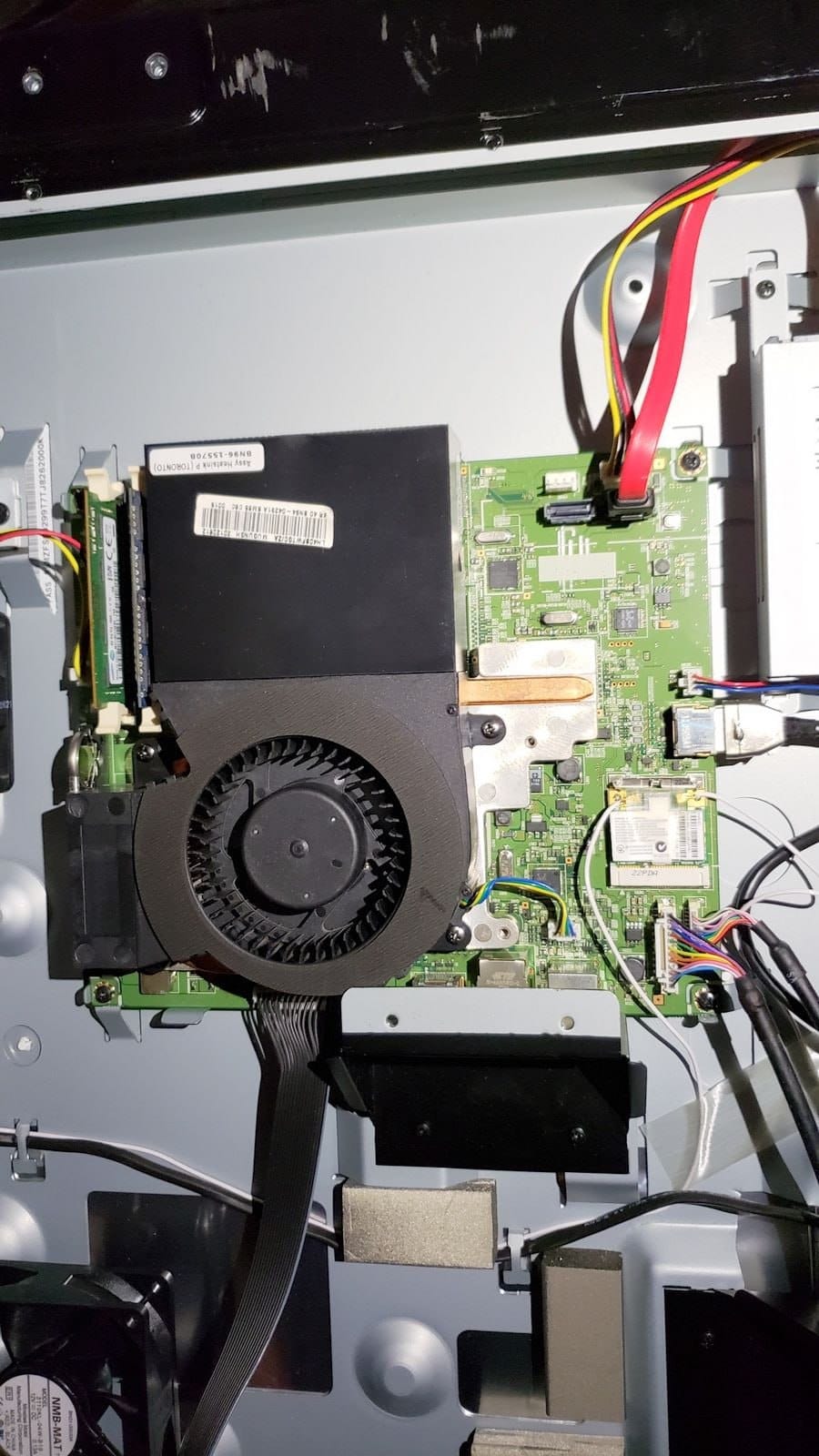
The problem is the hardware, because this table was released in 2011, with 2011 hardware. It needed change. Luckly, when we opened it up, the HDMI was just a internal HDMI cable. That saves a lot. The touchscreen seems to be connected with a 10pin cable, which splits into 2 USB and SPDIF from what we found online (haven't tested it yet).
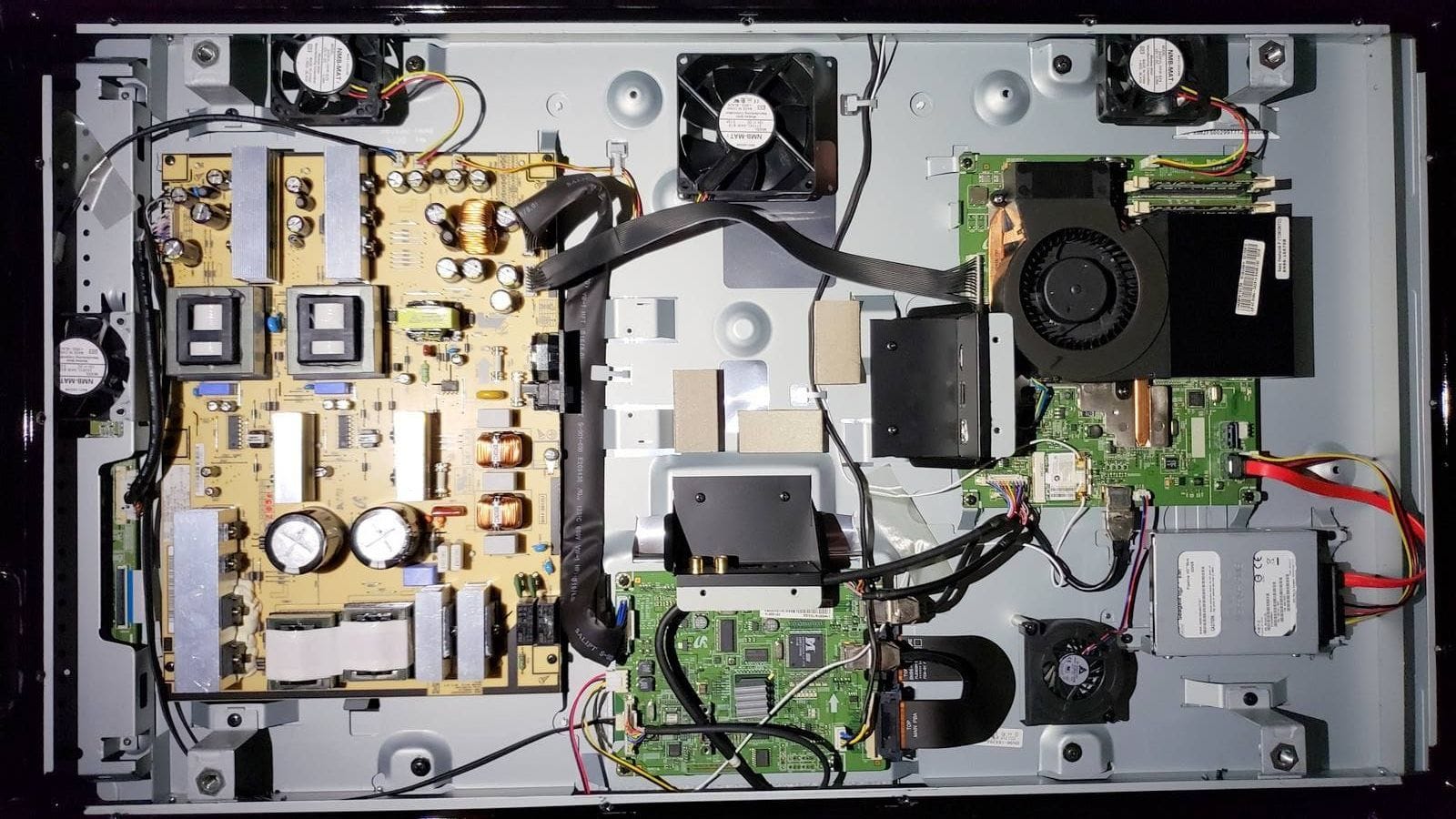
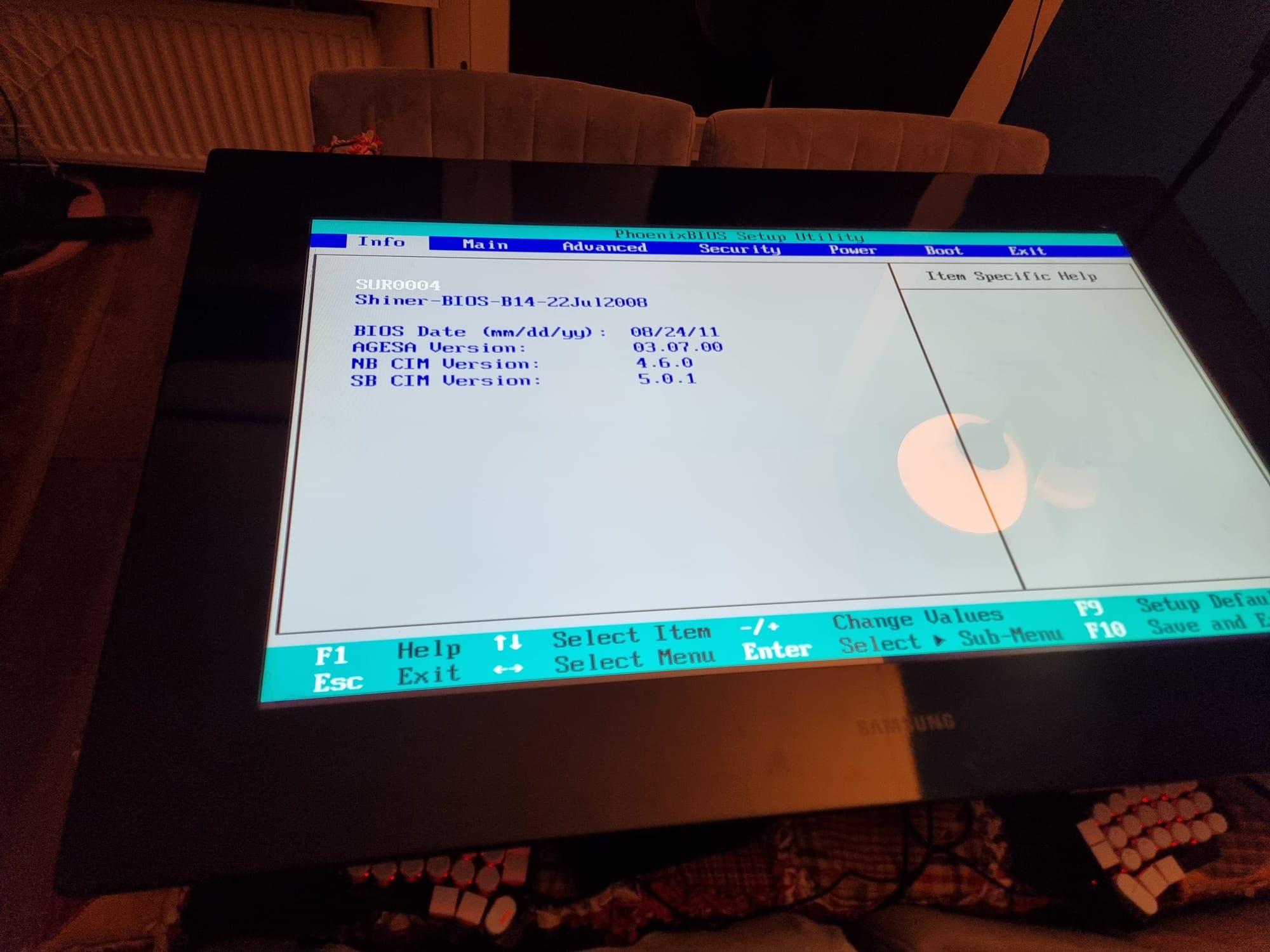
For now we were just looking on how far we can bring it working with the hardware in it. So we upgraded the HDD to a SSD, upgraded the ram to 16gb DDR3 SO-DIMM and started looking at the GPU and CPU. The GPU is a MXM card, while that is a standard, it's a weird one. The CPU is easier, it's just a desktop AM3 cpu, with ample of cooling to have something more beefy then the current AMD Athlon II X2 245e. The GPU however is a bit harder, the current one, a AMD Radeon HD 6570M isn't that great, but the generation is running pretty much to it's end.
We found a spare Firepro M4000 harvested from a HP laptop, it fits the slot and is slightly better, so why not!

After thorough inspection, the heatsink doesn't fit because a small piece of metal hits a mosfet. Making small work out of it with a dremel, the heatsink now fits and will work.
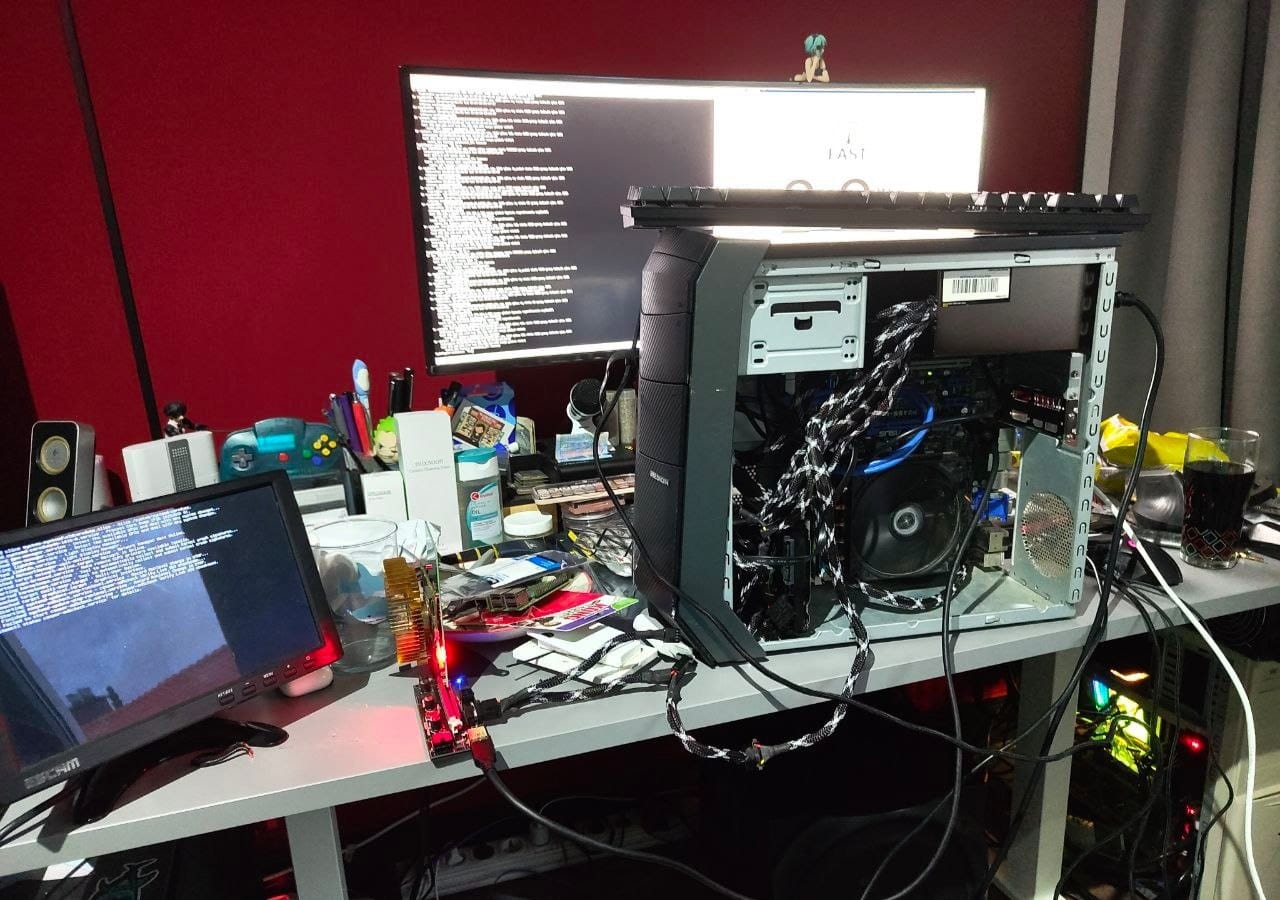
The card didn't work. There was nothing on the screen. After some effort with VNC we found out the card was found but giving a code 43. Which basically means: "Ain't working Yo!". Our attempts on flashing the bios using amdvbflash also resulted in zero luck.
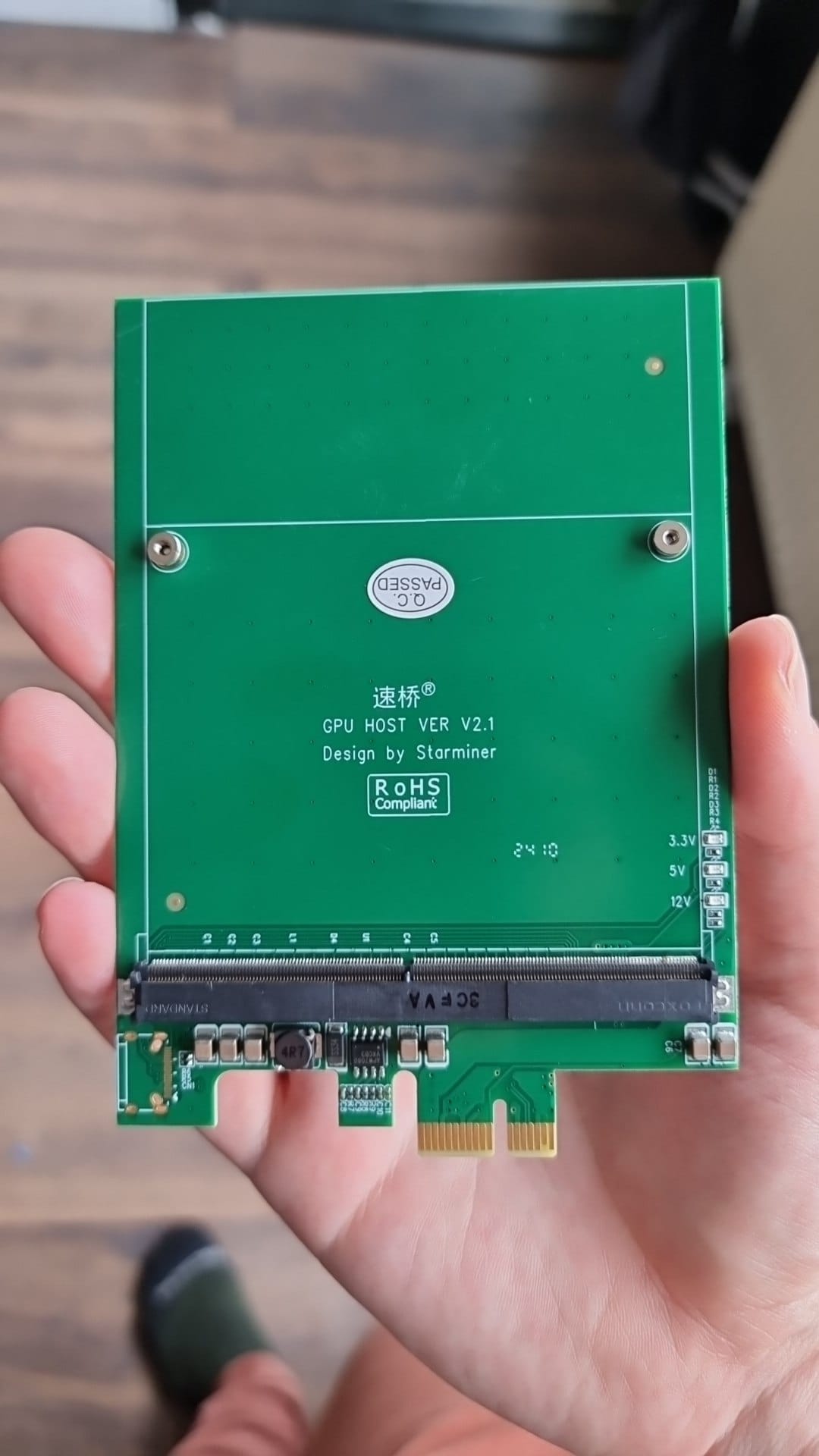
We got a mpcie to pcie adapter to check what the issue was. Not having a screen was really getting annoying and we didn't even know if the table accepted other gpu's. (Some brands straight out refuse other gpu's). We got it to boot with a variety of different gpu's, so that's not where the issue was. The opposite of what we just tried was supposed to be the next step, a mxm to pcie adapter to try running the card in another pc.
Observant people might have found the issue on the previous image, the card does not have a bios. We found this out when we tried finding differences between the HP and Dell variant. One discussion about what chip should be on it we decided to use the one that's on the Dell variant. Problem is, we don't have it.
After some scrounging we found a AMD GPU that was 'willing' to donate the chip, it was almost the same one as was supposed to be on the Dell one (Winbond 25X10CLNIG). One quick solder later and this is the result:
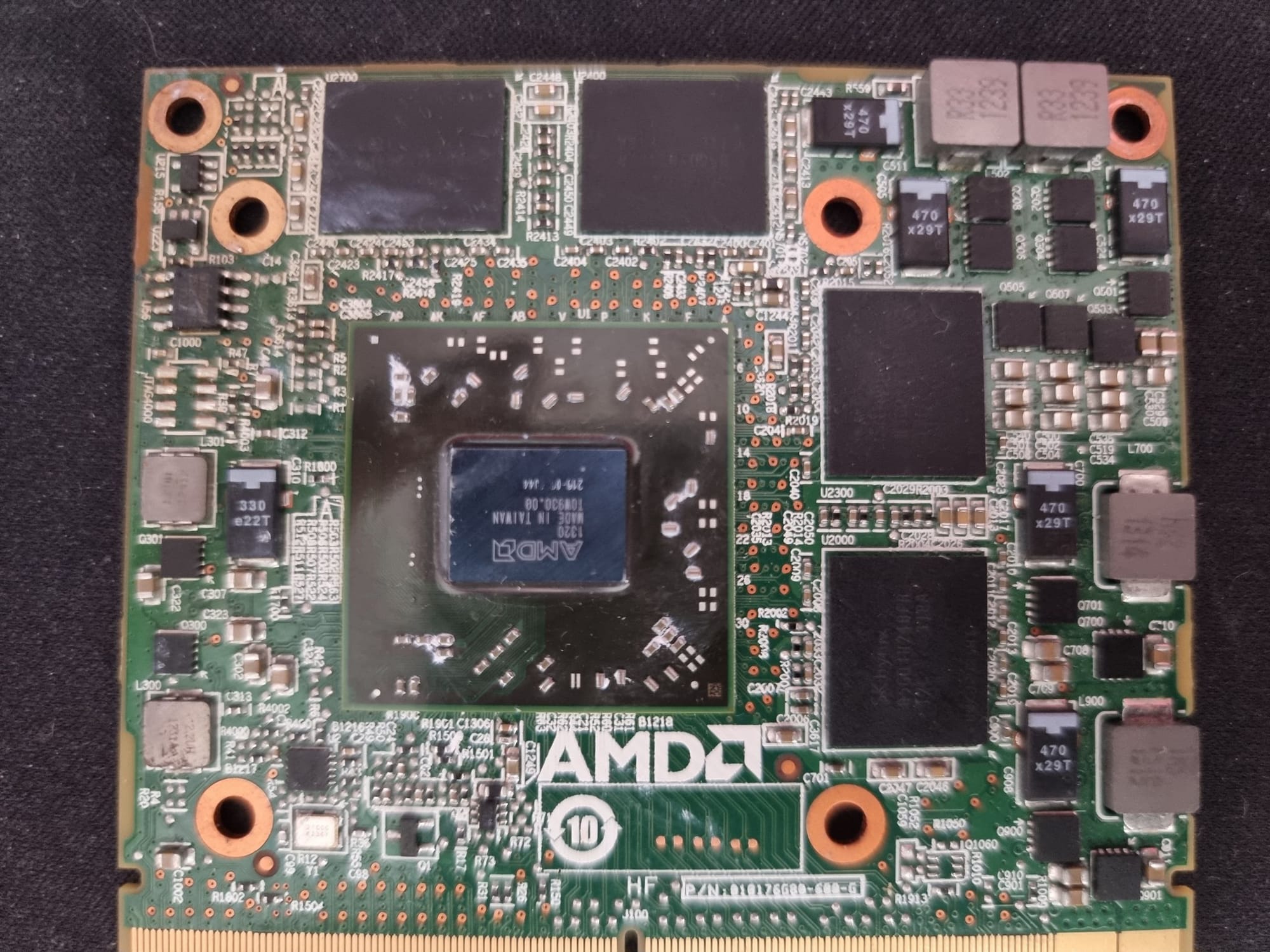
Problem is, the chip is twice as big as the ROM we found for the dell card (from TechPowerUp). A bit of discussion resulted in us decided to flash the ROM twice back-to-back, to prevent reading invalid data when reading "out of bounds". (Often reading out of bounds makes the chip roll over and start at the beginning again).
This worked, once. We stuffed the GPU back into the table, turned it around and it turned on (but no bios splash, but that was what we expected). The card worked gloriously, we could finally use Virtual Pinball X with some fun tables (Phantom of the Opera, Attack from Mars). Then Windows required a update (Not sure why Windows 7 still gets them from time to time) and we wanted to move the table from the middle of the room to somewhere more adequate.
Then the table didn't boot anymore. We tried everything, drivers, rolling back updates, forcing the card to accept the driver. After a desperate evening (because it just worked!) we gave up and decided to wait for the MXM to pcie adapter.
The adapter arrived, we stuffed it into a linux box (with a heatsink ziptied to it) and tried to see what it did.
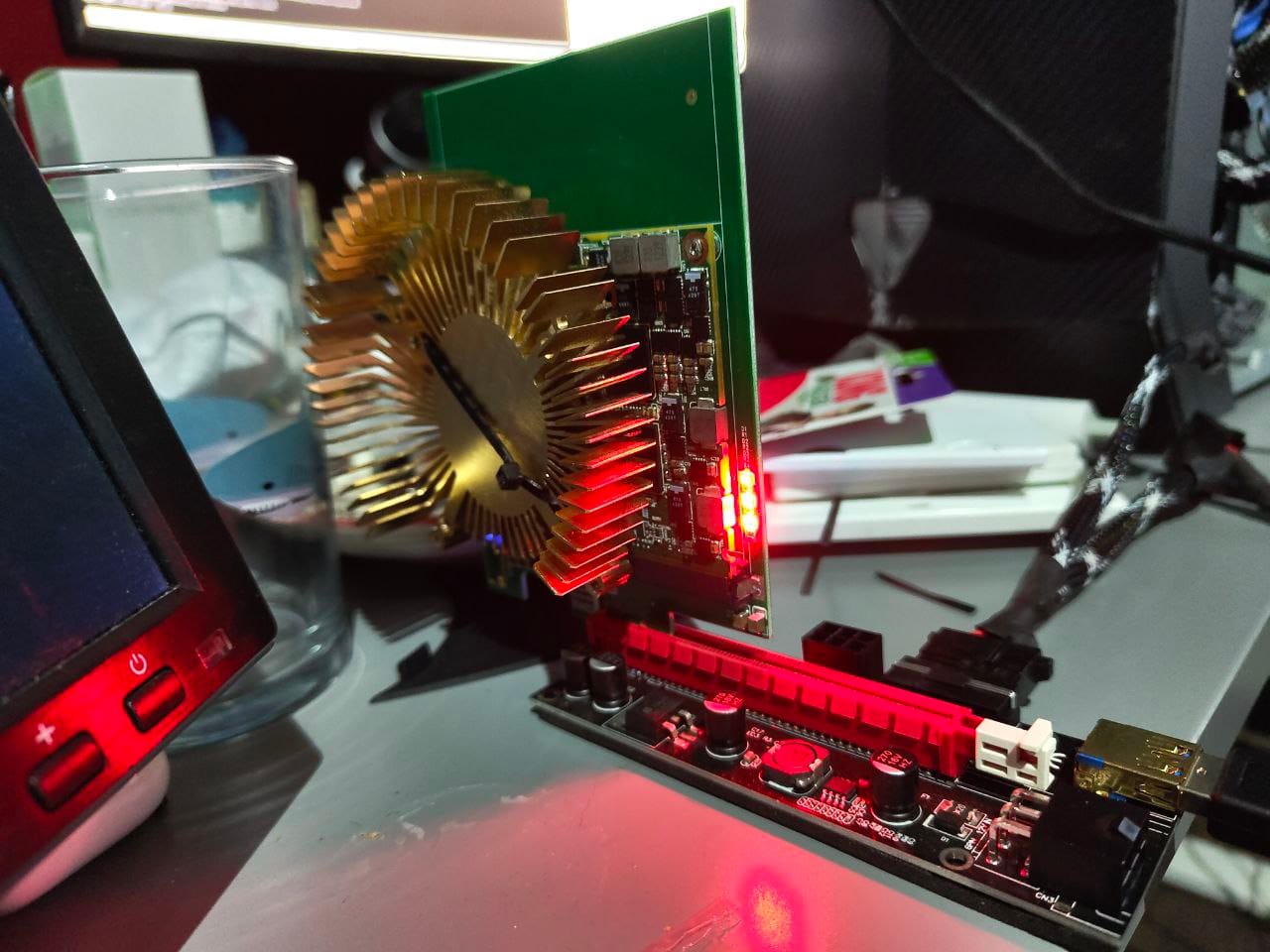
Linux got the card in the list, but the driver (Radeon) had trouble starting it: Invalid PCI ROM header signature: expecting 0xaa55, got 0x0000. This made us try the other amd driver, AMDGPU. This was got further, it started trying to boot the card but usually failed at random parts of the init process.
After some back and forth with trying to get this to work, flashing different version of Acer and Dell bios' and driver settings, we considered getting the original bios for this gpu from the bios of the laptop that it is supposed to run it. One 'quick' run to the HP site, UEFITool-ng to scan for the driver and some happy moments, we got the bios. Problem is, it's half the size of the Dell one, which we were already running twice back to back. We did the logical thing; flash it four times now. This gave us the same issue, except it was now detected as the HP variant (progress!). Resoldering the bios chip didn't work (my work was shoddy, but apparently not that shoddy).
It was already getting late, so we decided to call it there.
The next day, we tried the one thing we didn't yet, flash the bios only once and fill it up with nothing (0xFF). And lo and behold, it worked!
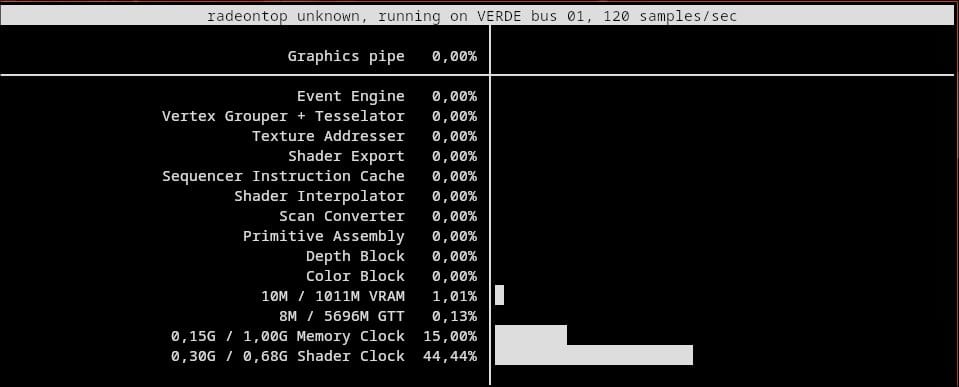
Next step will be to put it back into the table, so to be continued!